
Sound & connections / 4 min read
Make the connection plan easy to follow.
Bring the actual devices, port labels and intended listening arrangement into one record.
A connection plan starts with the equipment you already have and the way you want to use it. List each device by its exact model, including the television candidate and any audio system. Then write its role in ordinary viewing. This gives every connection a purpose and makes it easier to identify a question that belongs to one device rather than to the whole arrangement.
Name the source and the destination
Record where the programme or game will come from and where its picture and sound need to go. Keep different uses in separate lines when that makes the route clearer. An existing player, a console and a television app can lead to different questions. You do not need to change any settings to make this first inventory useful.
Find each device’s official connection guidance and save the relevant model link. Keep the actual port labels with your notes. Similar-looking sockets or cable ends are not a complete description of the features supported by a particular connection. If the role of a port is unclear, ask the responsible manufacturer to explain it within the exact combination you intend to use.
Understand what the audio-return label describes
HDMI Licensing Administrator’s eARC reference describes television audio being sent to an audio receiver or soundbar through an HDMI connection. That is the role to investigate when reading an audio-return label. Keep the television and audio device’s own documentation together, including the supported features and cable requirements for the actual arrangement.
Separate the feature’s general purpose from a claim about your devices. Record what each manufacturer confirms and which part remains unresolved. If a soundbar or receiver is being retained, give its complete model reference to the person advising on the new television. A useful answer should explain the proposed combination rather than simply repeat that one product has a familiar label.
Keep picture and sound requirements distinct
Write down any feature essential to your ordinary use and identify which device supplies it. For a game console, for example, keep the exact console model and the television’s relevant input documentation together. For a listening arrangement, keep the audio device and the supported sound path visible. Ask about the complete route without assuming that one headline specification describes every port or use.
Preserve the conditions around an answer. A manufacturer may need the input, source, software context or connected equipment to explain a feature. Keep those details with the note so that a later change does not make the answer appear broader than it was. Mark a future device as a future question rather than treating it as already confirmed.
Include ordinary access and control
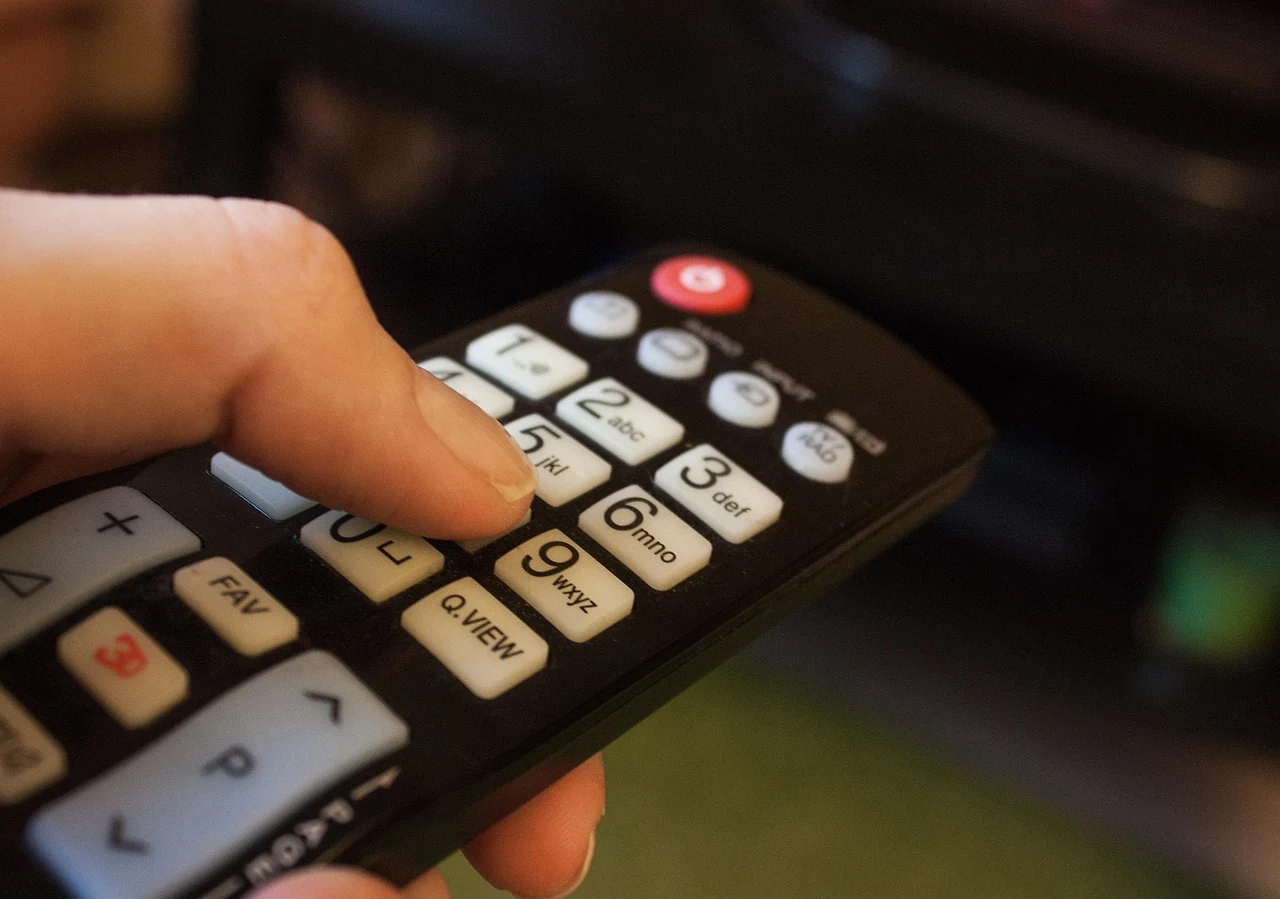
Think about the experience of the people using the room. Which remote will they reach for, how will they choose a source, and where will they find the instructions if the routine is unfamiliar? Keep useful operating guidance close to the actual devices. A clear arrangement should be understandable to someone who did not spend the afternoon reading specification pages.
Note any physical access question for the responsible installer. The position of furniture, equipment and connections belongs in the room plan as well as the device list. Use the room-measurement guide to organise that context. Leave unfamiliar electrical, mounting or concealed-cable work to an appropriately qualified provider using the exact product instructions.
Finish with a small connection record
Keep a diagram with device names, intended roles and the relevant official references. Label an unresolved link with the question that needs an answer. Store private account or purchase details separately. If another person will maintain the arrangement, check that they can understand the diagram without needing an explanation of every abbreviation used during the original comparison.
Review the record whenever a device changes. A replacement television, audio system or source can alter a previously understood connection even when the room remains the same. Return to the current model documentation and keep the new answer with the new combination. The manual guide helps maintain that reference set, while the complete choice guide keeps the listening arrangement connected to the rest of the evening.
Keep a simple description of the finished routine as well as the equipment diagram. The person watching needs to know which ordinary control starts the intended activity and where help can be found. Ask the responsible provider to explain that routine for the actual installed equipment, and keep the relevant operating reference beside it.