
Picture & choice / 11 min read
Picture the whole evening before choosing the screen.
Bring the room, the exact model and the way you watch into one useful television plan.
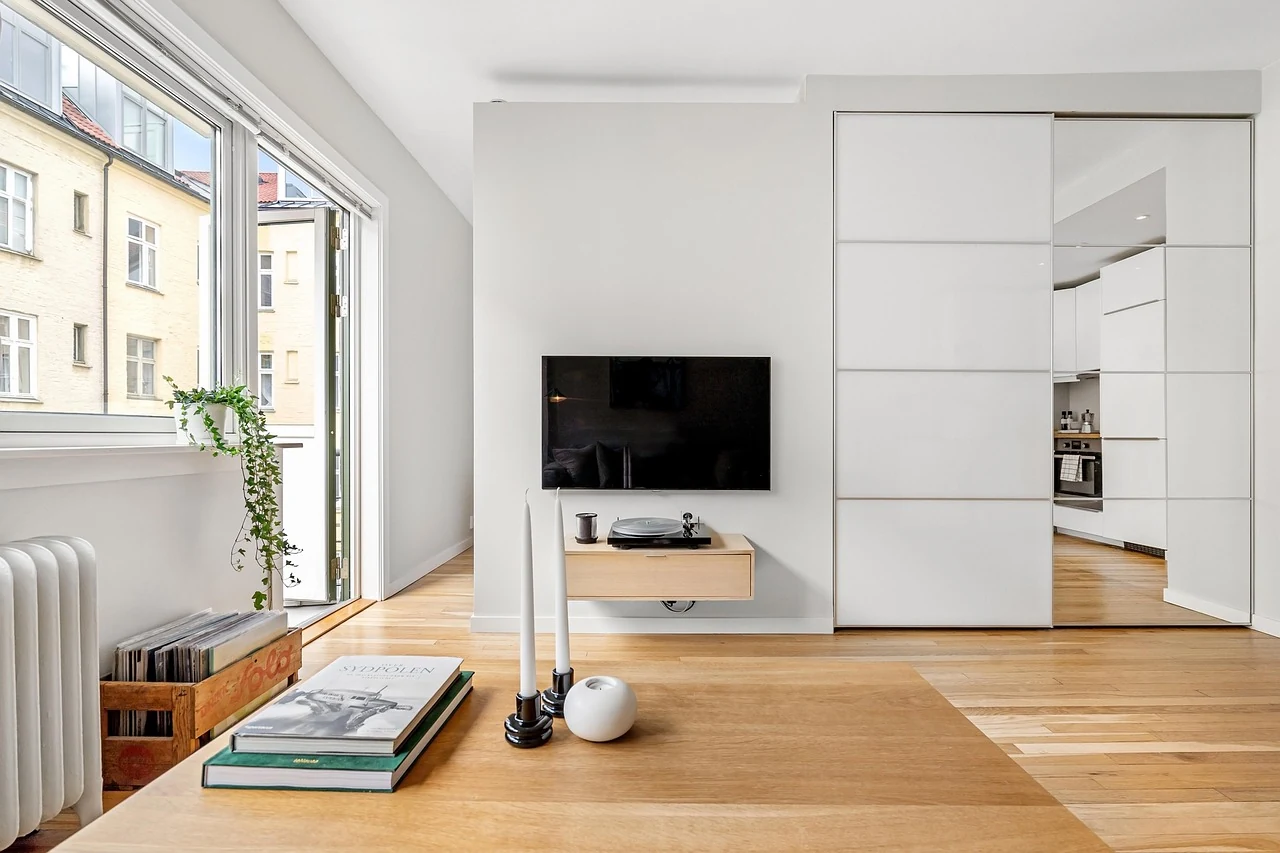
A television choice becomes clearer when you begin with an ordinary evening. Think about where people sit, what they enjoy watching and which devices already belong in the room. Then ask what you want a new screen to make easier. A model name and a diagonal size will matter, but they become more useful when they answer a real question about the way you live.
Keep a short note as you compare. It can hold the room measurements, a list of connected equipment and the exact references for a few possible screens. Leave room for unanswered questions. The aim is a choice you can explain, with the information that matters close enough to check again when a size, an offer or a plan changes.
Start with the evening you actually want
Describe two or three familiar kinds of viewing. A film after dark, a programme while the room is busy and a game on an existing console may involve different priorities. Write down who uses the television and which parts of the experience matter most to them. Keep those priorities specific enough to guide a comparison without turning every possible feature into a requirement.
Distinguish an everyday need from an occasional idea. You might regularly share the room with someone reading, while a much larger gathering happens only a few times a year. Both deserve consideration, but they need not carry the same weight. A clear order of importance helps when one option fits the room well and another draws attention through a feature you rarely expect to use.
Include the small practical details. Who uses the remote, where does it usually rest, and how do people reach their preferred programmes? A television belongs to a routine as well as a wall or cabinet. Ask the people involved which parts of the current arrangement work well before replacing them with a different way of doing the same job.
Understand the name without letting it make the choice
Samsung’s QLED introduction describes its QLED televisions as using quantum-dot technology with LED backlighting. That explains a technology label; it does not identify the complete specification of every television carrying a similar name. Keep the label beside the exact model, screen size and regional version you are comparing, then read the details that belong to that particular product.
Treat other headline terms in the same way. A technology family, a resolution label and a named processing feature are different pieces of information. Write down what you want to understand about each one, rather than assuming that a longer collection of terms automatically serves your viewing better. The useful question is how the documented feature relates to the source material, equipment and room you intend to use.
When a description compares one product with another, look for the stated comparison and its footnotes. Keep that context with the claim. A demonstration or manufacturer description can help you notice a question worth asking, while your own shortlist still needs the exact product information. Give each source a clear role so that a memorable headline does not become an unexamined promise.
Keep the complete model reference
Record the full model code from the actual offer and compare it with the manufacturer’s support page. Samsung Canada’s model-code guide illustrates how its codes identify a particular television and regional context. Use that example as a reason to keep the entire reference; apply each manufacturer’s own explanation to the model and market you are considering.
Keep screen sizes within a family as separate candidates. Give each its own specification link and room measurements. This makes it easier to notice when a support document, stand arrangement or offer belongs to another version. If the seller’s description is shortened, ask for the complete model reference before putting an answer from a manufacturer page beside it.
Save the source and the date of your check. A small record with an exact identifier is easier to revisit than a folder of unlabelled screenshots. Include any question you have sent to the responsible seller or maker and keep their answer with the same candidate. That way, changing one item does not silently carry the previous item’s assumptions into the new comparison.
Give the room more than one measurement
Measure the intended area and note what each dimension describes. The television’s screen diagonal, its complete outer width and height, its depth with a stand and the support footprint answer different questions. Samsung’s archived Q6DR specification sheet separates these headings for its listed models. Use the document structure as an example, then obtain the corresponding measurements for the actual television on your shortlist.
Look at the furniture or wall in the context of the room. Include nearby doors, shelving, walking routes and the space used by other equipment. Keep a simple sketch with labels rather than relying on a photograph alone. The room-measurement guide helps organise this record and distinguishes the dimensions you can measure from the installation questions a qualified provider needs to assess.
Consider the places people actually sit. Mark the ordinary seats and any shared uses of the room, then observe them at the times you normally watch. You can describe an awkward position or a reflection without inventing a universal viewing distance. Keep personal preferences separate from the manufacturer’s physical installation requirements, since they answer different parts of the room plan.
Notice daylight, lamps and the surrounding room
Visit the intended seating positions in daylight and after dark. Note windows, lamps and bright surfaces that fall within the view of the screen area. The point is to understand the setting before comparing a feature name with it. A clear room observation gives you a useful question to bring to a demonstration or a conversation with the manufacturer.
Use a demonstration to explore your own priorities when one is available. Ask what source is playing, which model and size are shown and which settings or connected devices are involved. Keep your observations attached to that situation. It can be helpful evidence for your preferences without becoming a measurement of how the same television will behave in a different room.
Think about the room when the screen is off too. The outline, furniture relationship and visibility of ordinary equipment remain part of the space. Decide which details you care about and which you can accept as practical. A television that belongs in the room should make sense through the day, not only during the brief moment when you are comparing an impressive image.
Put the connected devices on paper
List the equipment you already use and the connections you expect to keep. Give each device its exact model and intended role. A console, a player, a set-top box and an audio system can raise different questions, even when some cables look alike. Keep the manufacturer’s connection diagrams and port labels with the device list rather than counting sockets without a purpose.
Include the way sound will reach the listener. HDMI Licensing Administrator’s eARC explanation describes sending television audio to a receiver or soundbar over an HDMI connection. Whether that feature serves your proposed arrangement still belongs to the exact devices, supported features and manuals. The sound and connection guide helps keep those references together before an installation is arranged.
Write down any feature that is essential to an existing device or activity, then ask how the complete connection path supports it. Keep the source, television, audio equipment and cable requirements distinct. This gives an adviser a question they can answer about the actual combination instead of a broad request to confirm that every feature will work through any available port.
| Part of the choice | Keep in your note | Source to consult |
|---|---|---|
| The viewing | People, programmes and ordinary times of use | Your household priorities |
| The television | Complete model, size and regional version | Exact manufacturer specification |
| The place | Labelled room and furniture measurements | Model drawing and installation information |
| The equipment | Device models, roles and intended connections | Each device’s supported connection guidance |
| The ownership | Manual, responsible seller and service references | Current offer and model support page |
Read the manual before making the arrangement final
Find the manual for the complete model and region, and check the models listed within it. Samsung’s 2023 QLED/UHD user manual points readers to both its user document and an embedded e-Manual. Different documents can answer different questions. Keep the full safety and installation information with the operating reference rather than saving only the page that explains one attractive feature.
If the proposed position involves a wall mount, unfamiliar support or work around existing services, give the exact product information to an appropriately qualified installer. Ask what they need to assess and what their work includes. Keep that assessment separate from an aesthetic room sketch. A model’s mounting label or a photograph of a similar room does not complete an installation plan for your home.
Think about access after the television is in place. You may need the model information, the correct support route and the ability to discuss a connection question later. Ask the responsible provider how ordinary access and service will be handled. The manual-finding guide helps turn these documents into a small reference set that remains useful after the first evening.
Plan how programmes reach the screen
List the sources you actually use, including any existing receiver, player or subscription service. For an app you consider essential, check its current requirements with the service and the exact television’s regional support information. Keep that answer separate from a general smart-TV label. Record whether the plan depends on an existing device or on an application available directly on the television, so the two options are not accidentally counted as the same arrangement.
Include the ordinary account and control questions. Decide who will manage subscriptions, where the appropriate private records belong and how another household member will find the viewing instructions. Keep passwords out of the general comparison note. If people need captions, a particular menu presentation or another accessibility feature, identify that requirement explicitly and consult the exact product and service documentation for the way it is supported.
Read any trial or bundled-service offer separately from the television specification. Keep the responsible provider, region, current terms and ongoing arrangement together. Ask what remains useful if the household changes its subscriptions or keeps using an existing source device. This lets you compare the television on the work you expect it to do while keeping an optional service offer in its own clearly understood place.
Compare the complete offer
Keep the exact screen, any included accessories and any additional services in separate lines. Ask the actual seller to clarify anything missing from the description. A photograph of a room or sound system does not establish what comes in the package. Compare offers on the same scope so you can see when a difference reflects a different product or an additional service.
Read the current delivery, installation, return and warranty information that applies to the offer and region. Keep technical specifications separate from those commercial terms. Save the responsible contact route and the documents you would need if a question arises. A useful record connects an answer to the actual seller and product rather than treating it as a general rule for every television purchase.
Include the resources needed for the complete arrangement, such as an appropriate installation assessment or an accessory confirmed for the chosen equipment. Mark estimates as estimates and keep future ideas separate. This gives you a more honest comparison than using a screen price as a shorthand for the entire room, sound and ownership plan.
Walk through a familiar household example
Imagine a room used for conversation in the afternoon and films in the evening. The current television sits on furniture, an existing player is still useful, and two people watch from different seats. Start by recording those facts. Then gather the furniture measurements, equipment references and the features each person would like to understand better. None of these notes requires choosing a particular model immediately.
One person may value a simple remote routine while the other wants to understand an audio connection. Give both questions a place in the comparison. Ask for the exact documentation and a clear explanation of the proposed setup. Keep the answers attached to the candidate that was discussed so that a change of size or device does not make the earlier conversation misleading.
Now suppose the household decides to keep its current audio equipment for longer. Revisit the connection question before changing the rest of the plan. The room measurements and viewing priorities may remain the same, while one technical requirement needs a closer look. This is the value of a written brief: it shows which decision changed and which useful work can stay.
Finish with a shortlist you can explain
Compare a small number of complete options against the same priorities. Mark each important point as confirmed, unresolved or unnecessary for the present plan. Keep preferences visible alongside requirements. This makes it easier to recognise a worthwhile trade-off and to see when a candidate remains appealing mainly because of a headline that never answered your original question.
Before committing, walk through the proposed evening once more. Someone chooses a programme, another person adjusts the sound, and the room continues to work around them. Check that the television, equipment and installation information answer the practical questions in that sequence. Keep anything unresolved with the appropriate manufacturer, seller or installer rather than letting it disappear from the final note.
The result is a clear reference for the choice: the exact model, the room, the connected devices and the documents that support the arrangement. Keep it where the people involved can find it, with private purchase details stored appropriately. A thoughtful television plan remains useful long after a specification table has closed and the evening has begun.
- Keep the identity and place together.
- Complete model code, size and region.
- Labelled room, furniture and equipment notes.
- Save the exact manufacturer references and unanswered questions.
- Keep installation assessment and commercial terms with the responsible provider.
- Use Viewing notes to organise the final record.