
Model & manuals / 4 min read
Keep the reference that belongs to the television.
Use the complete model and regional support resource to build a small, useful ownership file.
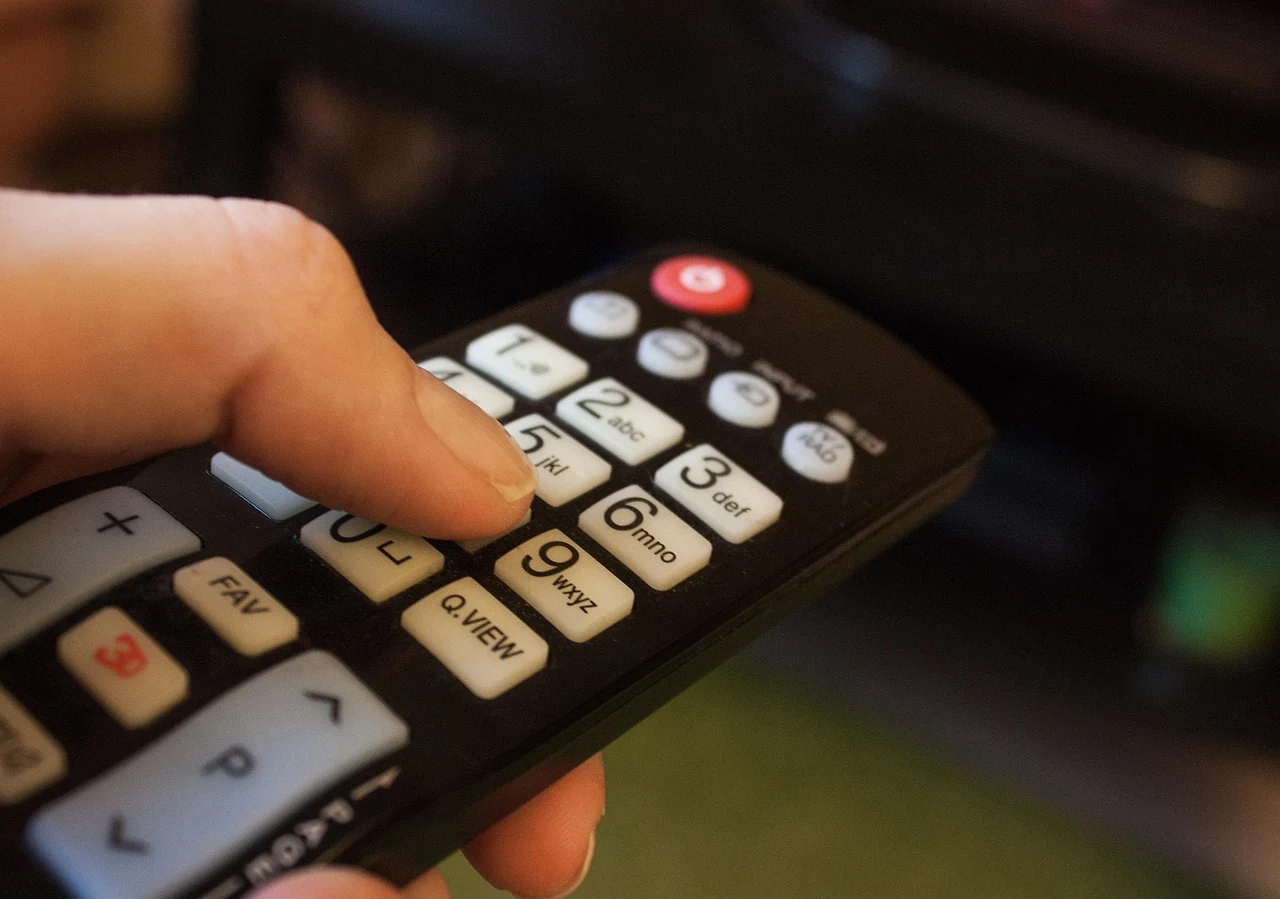
The right television reference begins with the complete model code. Keep it with the screen size, region and the specific question you want to answer. A familiar family name can help you start searching, but the document should identify the product you actually own or are considering. This simple habit makes later support questions more focused and reduces the chance of mixing details from similar televisions.
Start with the full identity
Samsung Canada’s model-code guide explains how its codes relate to the television type and regional version, and directs readers to the appropriate support information. Its examples apply to the context it describes. For your own television, use the responsible maker’s current guidance to establish the complete model and find the matching support page.
Keep the model separate from a private serial number or purchase record. A general comparison note can contain the model and public documentation without including personal account information. Use the appropriate verified service channel when a provider needs private details. Label the source of the model reference so you can check it against an offer or device record later.
Check the scope of each document
Read the title, covered models and regional context before using a manual. Keep the publication or revision information when it is supplied. A document may address several versions, so follow the headings and qualifications that apply to yours. If two references appear to disagree, preserve both and ask the maker which one governs the question for the actual television.
Samsung’s 2023 user-manual example distinguishes its printed-style user document from an embedded e-Manual and points readers toward further support. Treat that as an example of a divided reference set. Save the complete safety and installation material alongside operating information, rather than assuming a quick guide contains everything a later question may require.
Match a question to the right reference
Use a small index in your ownership note. Physical dimensions belong with the exact specification or drawing; operating questions belong with the relevant manual; a connected-device question may need both devices’ documentation. A delivery or purchase question belongs with the responsible seller. Keeping these roles distinct helps you find the right answer without collecting an unnecessarily large folder of unrelated material.
Write down the question in ordinary language before contacting support. Include what you are trying to understand, the complete model and the document you have already consulted. Keep observations factual and avoid changing unfamiliar settings simply to produce a more dramatic description. A precise question is useful even when you do not yet know the technical term for the feature involved.
Keep installation and care information intact
Retain the full instructions and warnings supplied for the product. If a task involves mounting, unfamiliar support or electrical work, discuss the exact requirements with an appropriately qualified provider. For cleaning or care, use the maker’s instructions for that screen and finish. A tip that suited an older television should be checked against the current product before becoming part of its routine.
Keep the responsible service route with the ownership file. Use the manufacturer’s official website or the verified contact information in the product documents to locate it. Note the seller separately when their role concerns the order or delivery. This makes it easier to direct a later question without assuming the editorial guide, a search result or an unrelated retailer manages your particular purchase.
Make the file useful after the first week
Store a concise set of references where the people using the television can find them. Include the model, official support link and a short description of the connected devices. Keep private information in an appropriate separate record. If the setup changes, update the device note so it continues to describe the arrangement in the room rather than the plan you originally considered.
Keep a dated note when support provides an answer you expect to use again. Record which model, question and circumstances the answer covered, and distinguish it from an older suggestion about a different device. If a software change or replacement accessory makes the situation different, consult the current official reference before applying the earlier answer. The ownership file should make that change visible instead of quietly treating every saved instruction as permanently interchangeable.
Return to Viewing notes when you want a simple structure for the record. The connection guide can help with the equipment list, and the complete choice guide brings the room and viewing priorities back into view. The useful result is a small reference file that remains understandable when an ordinary question comes up months after the purchase.